


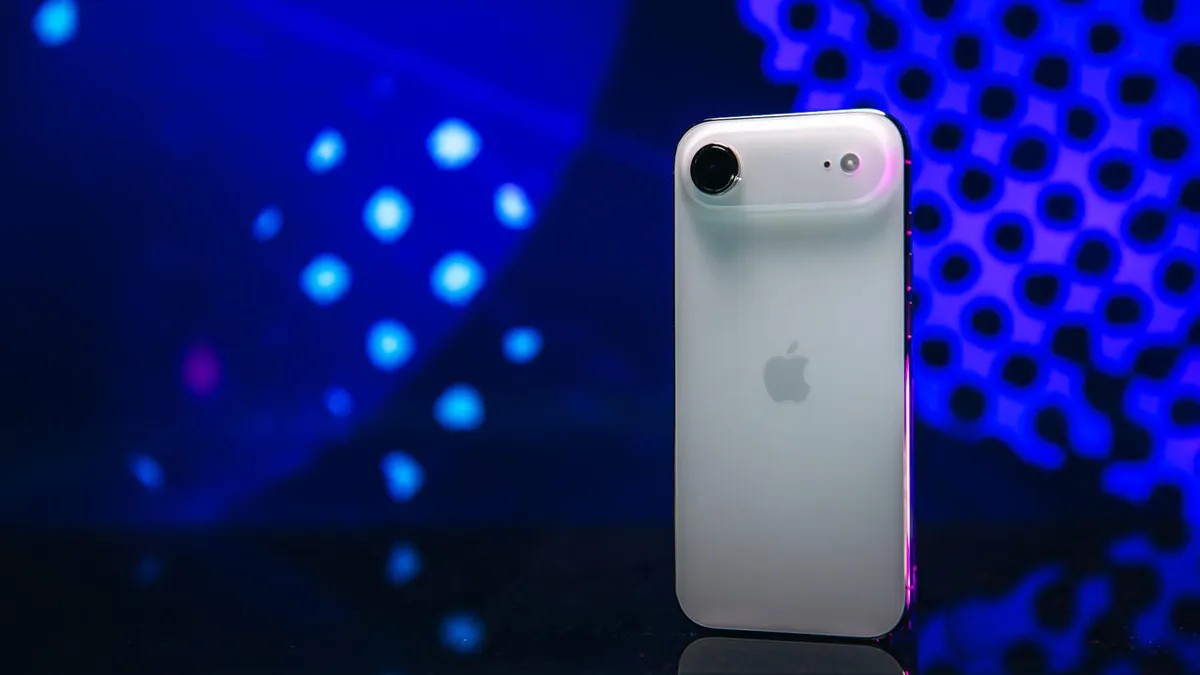
Apple has introduced a new feature called Priority Notifications, designed to help iPhone users manage overwhelming streams of alerts. Available with iOS 18.4 and exclusive to iPhones with Apple Intelligence – including the iPhone 15 Pro, Pro Max, and upcoming iPhone 16/17 models – this system filters notifications, highlighting those deemed most important.
Why This Matters
The average smartphone user receives hundreds of notifications weekly. This constant barrage leads to “notification fatigue,” where critical alerts get lost in the noise. Priority Notifications solve this by surfacing key updates (messages from family, urgent work alerts) above less time-sensitive ones (social media, news).
How to Enable Priority Notifications
The setup is simple and takes less than a minute:
- Open the Settings app on your iPhone.
- Tap Notifications.
- Select Prioritize Notifications.
- Toggle the switch next to Prioritize Notifications to the on position.
Once activated, a list of your apps will appear. From here, you can individually select which apps should trigger priority alerts. The system learns over time, but users have full control over which apps break through the noise.
What’s Next?
Priority Notifications are a small but significant step toward smarter phone use. As AI-driven filtering becomes more refined, expect even more precise and personalized notification management. For now, this feature is a straightforward way to regain control over your digital attention.