




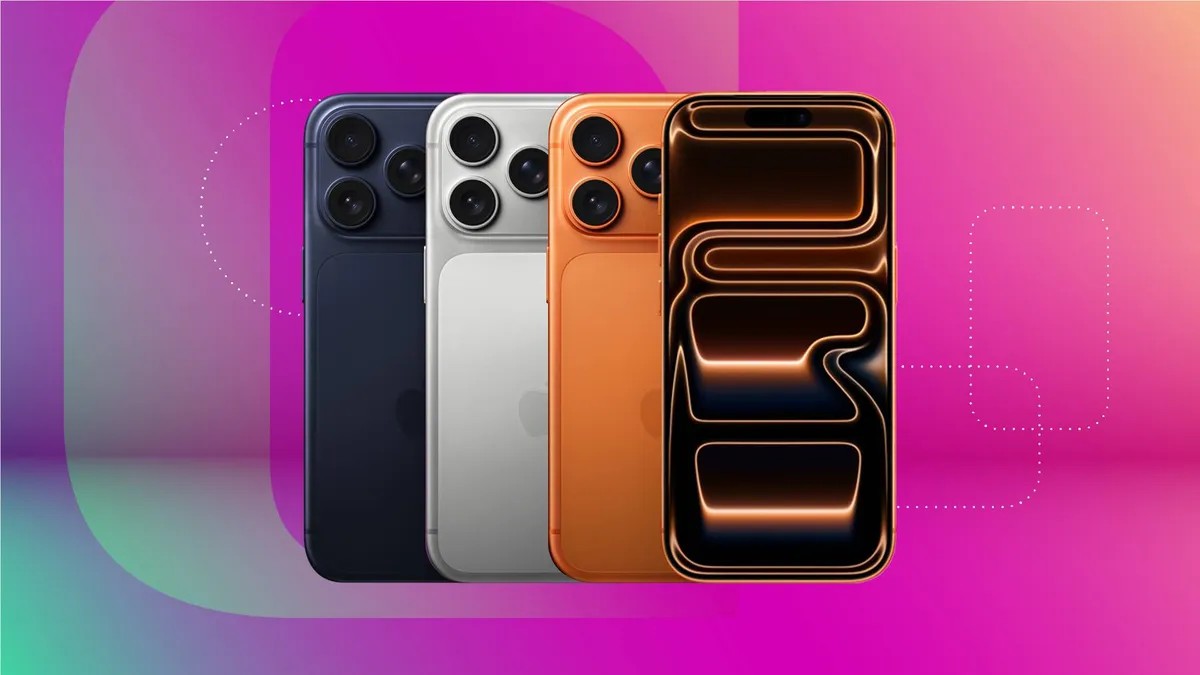
Upgrading to a new iPhone this holiday season? Apple recommends disabling the “Find My” feature on your old device before handing it over. This is crucial to prevent the new owner from being locked out and to protect your personal data.
The “Find My” app is incredibly useful for tracking lost devices, but it also activates “Activation Lock.” This security measure is designed to prevent unauthorized use if your iPhone is stolen. However, it also means that if you don’t disable the feature, the recipient won’t be able to use it.
Here’s how to turn off “Find My” in just a few steps:
- Open Settings on your iPhone.
- Tap your name at the top of the menu.
- Select Find My.
- Tap Find My iPhone.
- Toggle Find My iPhone to the off position.
If you have Stolen Device Protection enabled, you’ll need to disable that first. The process is straightforward:
- Go to Settings.
- Tap Face ID & Passcode.
- Select Stolen Device Protection.
- Toggle Stolen Device Protection off.
Once disabled, you can proceed with turning off “Find My.” However, disabling these features is only the first step. For complete privacy, always remove all personal data and perform a factory reset before giving away or selling your device. Otherwise, sensitive information could remain accessible.
Protecting your data requires more than just disabling tracking features. A full wipe ensures no personal files are left behind, safeguarding your privacy after the transfer.