


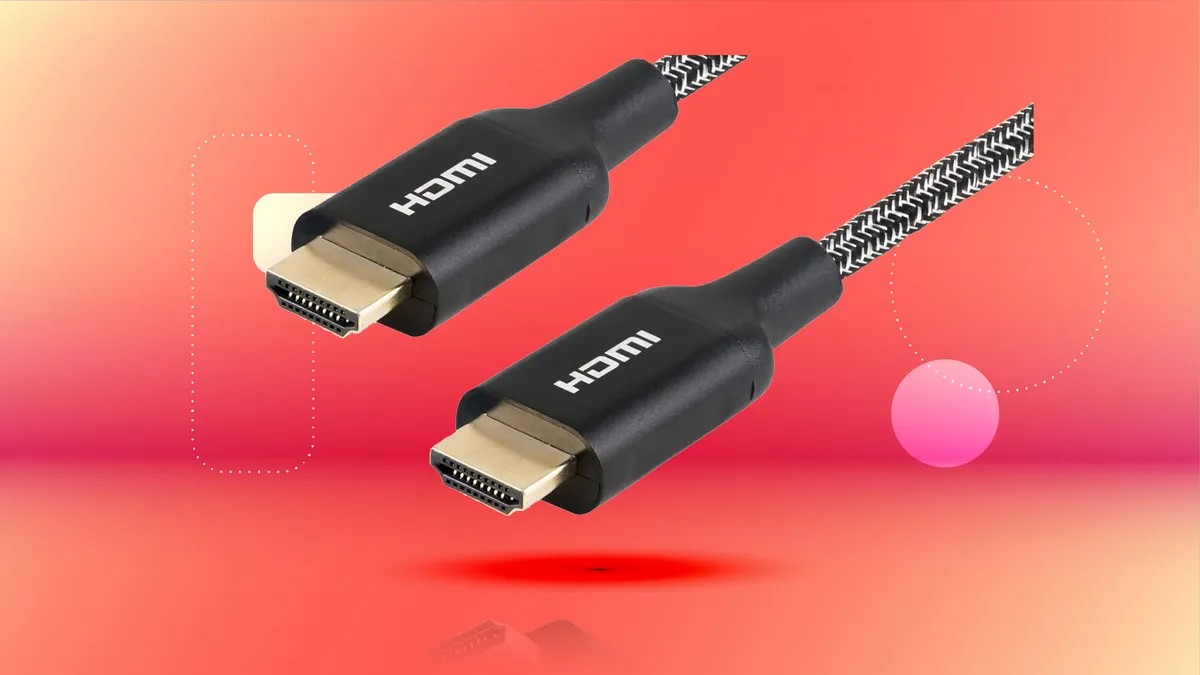
Many modern TVs, despite their advanced features, often fall short in one critical area: the number of HDMI ports. Most models provide only three or four connections, which quickly becomes insufficient for today’s entertainment setups. Gamers with multiple consoles, streaming enthusiasts, and those with cable or satellite boxes frequently face the frustrating need to constantly swap HDMI cables. This isn’t just inconvenient; repeated cable swapping can physically damage both the cables themselves and the delicate HDMI ports on your devices, potentially leading to costly repairs or complete failure.
Fortunately, several effective solutions exist to expand your TV’s connectivity without the hassle of constant cable juggling. These options range from budget-friendly workarounds to more robust, high-end setups.
The Risks of Repeated Cable Swapping
While the simplest solution is to physically swap HDMI cables between devices, this practice degrades connections over time. HDMI ports contain fragile internal components—thin wires and plastic supports—that wear down with repeated use. Cables also suffer from wear and tear, as the copper wires inside can degrade with frequent bending and plugging. Though HDMI cables are relatively cheap to replace, the damage to your TV or other devices is far more costly.
The HDMI Switch: A Cost-Effective Solution
An HDMI switch is a small device with multiple HDMI inputs and a single output. These are commonly described using a “X-to-1” format (e.g., a “4×1” switcher has four inputs and one output). Basic models use buttons to cycle between devices, while more advanced options include remote controls for easier switching.
When choosing an HDMI switch, prioritize future-proofing. Buy a switcher with more inputs than you currently need, as your entertainment setup will likely expand. Also, ensure it supports the resolutions and frame rates you require. Most modern switchers handle 4K, but not all support HDR. Look for models that support at least 4K60, with HDMI 2.1 compatibility being ideal for future-proofing.
Popular brands like Monoprice and Anker offer reliable options. Anker’s 4×1 switcher, for example, supports 4K HDR and HDMI 2.1, even handling up to 8K30 if needed. Monoprice provides a similar 5×1 switcher for slightly less, though it’s limited to HDMI 2.0 (which is sufficient for most users).
Leveraging Soundbars for Additional Ports
Many modern soundbars also offer additional HDMI inputs, allowing you to connect multiple devices directly to the soundbar and then send a single HDMI output to your TV. This provides both improved audio quality and expanded connectivity. However, not all soundbars include extra HDMI ports—some have none, while others have only one input.
The Polk MagniFi Max AX, for instance, offers three HDMI inputs and delivers superior audio performance.
The Ultimate Solution: A/V Receivers
For the most comprehensive solution, consider an A/V receiver and a speaker system. Receivers typically provide numerous HDMI inputs, acting as a central hub for all your entertainment devices. This eliminates the need to switch inputs on your TV directly, allowing full control of volume and audio settings through the receiver.
While receivers are larger and more expensive than switchers or soundbars, they deliver significantly better audio quality and a more immersive viewing experience. The Onkyo TX-NR6100, for example, features six HDMI inputs and is a highly rated option.
Ultimately, the best approach depends on your budget, space constraints, and audio preferences. Whether you opt for a simple HDMI switch or a full-fledged A/V setup, expanding your TV’s connectivity is crucial for enjoying a seamless and future-proof entertainment experience.